
Best Gaming Laptops for Programming (2026)
The best gaming laptops for developers in 2026 — chosen for upgradeable RAM, strong multi-core CPUs, good build and battery, not just frame rates.
A programming laptop is graded on a different scale than a pure gaming rig. Frame rates matter far less than the things you actually feel during a workday: how much memory you can throw at VMs and containers, how fast the CPU chews through a multi-threaded build, whether the keyboard is still comfortable after eight hours, and how long you can work unplugged. A discrete GPU is genuinely useful — for local ML, CUDA work, game development or driving a wall of displays — but it sits below memory and serviceability on the priority list.
In 2026 the encouraging news is that the laptops which get this right are also some of the best-value machines on the market. The catch is that the thinnest, most premium gaming laptops — the Razer and Zephyrus lines — solder their RAM, which rules them out for a machine you want to grow over three or four years. Every pick below ships with user-upgradeable memory.
We've leaned toward chassis you can open, CPUs with real core counts, and builds that survive being carried around. Here's what we weight, how we reached these verdicts, and which one to actually buy.
What to look for
- RAM ceiling and upgradeability, first. 32 GB is a comfortable floor; 64 GB or more is the difference between juggling containers smoothly and swapping to disk. Every pick here uses replaceable SO-DIMMs — the XMG Core 16 reaches a huge 128 GB, the Framework Laptop 16 hits 96 GB, and the Legion and TUF models all take 64 GB.
- Mind the single-channel RAM trap. Some configs — notably the ASUS TUF F16 — ship 16 GB as a single stick. That runs in single-channel mode and measurably hurts performance until you add a second module, so budget for a matched pair on day one.
- A multi-core CPU for compiles and containers. This is where core count pays off. The Legion Pro 5's 16-core/32-thread Ryzen 9 and the 24-core CPUs in the Legion Pro 7i and TUF F16 churn through parallel builds far faster than the 8-core chips common in cheaper machines.
- Build, keyboard and cooling. You'll type on this for hours. We favour aluminum builds (the XMG Core 16 and both Legions) and machines that hold their clocks — the XMG Core 16 and TUF A18 both run without CPU/GPU throttling, where the Legion Pro 7i trades hotter CPU temps (90–100 °C) for its flagship speed.
- Battery, if you leave the desk. Gaming laptops are not endurance champions, but light-use figures vary. The 18" TUF A18 manages roughly 5–6 hours of light work and the XMG Core 16 packs a large 99.8 Wh battery; if you're mostly docked, prioritise I/O instead — the TUF F16's Thunderbolt 4 makes single-cable desk setups easy.
- GPU as a bonus, not the headline. Any of these RTX cards handles local ML or CUDA experimentation. Just watch VRAM: several picks carry 8 GB, while the Legion Pro 7i (16/24 GB) and TUF A18 (12 GB) leave more headroom for larger models.
Which should you buy?
Our list leads with the Framework Laptop 16 because nothing else here will still be repairable and upgradeable in five years — but it's a philosophy buy, with a 100 W GPU and a clear price premium. For the best balance of price, cores and panel, most developers should take the Lenovo Legion Pro 5 Gen 10: a 16-core Ryzen 9 and an OLED display in a genuinely upgradeable chassis that's regularly discounted well below MSRP.
If your work is memory-bound — lots of VMs, containers or large datasets — the XMG Core 16 M25 is the value-enthusiast pick, with a 128 GB ceiling and no thermal throttling. Spend up for the Lenovo Legion Pro 7i Gen 10 only if you need its 24-core CPU and 175 W GPU for heavy, sustained ML or rendering. And if you mostly work at a desk, the dock-friendly ASUS TUF F16 (Thunderbolt 4) or the bigger, cooler-running ASUS TUF A18 are the affordable, carry-it-anywhere options.
- 1Framework Laptop 16 (Gen 2)
from $2,149
RTX 507016" IPS32 GB~2.4 kgFor developers who plan to keep one machine for years: a 10/10-repairable chassis with a swappable GPU module, RAM to 96 GB and 240 W USB-C charging. The watch-out is value — the GPU runs at only 100 W and you pay a clear premium for the modularity, so buy it for longevity, not frame rates.
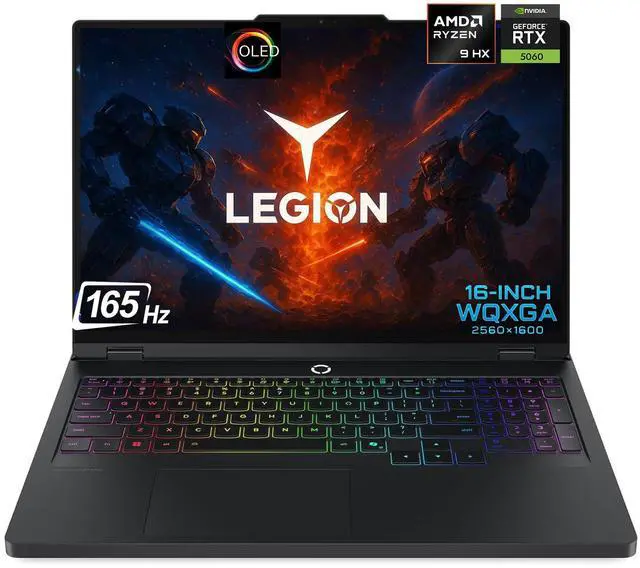
- 2Lenovo Legion Pro 5 Gen 10 (AMD, OLED)
from $1,999
RTX 507016" OLED16–32 GB2.35–2.50 kgOur value pick for heavy compiles: a 16-core, 32-thread Ryzen 9 in an upgradeable aluminum chassis with a 165 Hz OLED, regularly discounted well below MSRP. The catch is an 8 GB GPU and a VRR-only panel — plenty for dev work, tighter for large local ML.
- 3Lenovo Legion Pro 7i Gen 10
from $3,299
RTX 5080 / RTX 509016" OLED32 GB2.70–2.72 kgFor developers who also push heavy, sustained workloads: a 24-core CPU, RAM to 64 GB, a very good aluminum build and vapor-chamber cooling. Watch the CPU temps, which run 90–100 °C under load, and the flagship price.
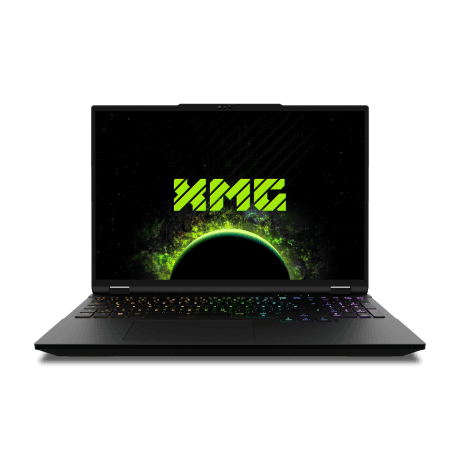
- 4XMG Core 16 (M25)
Price unavailable
RTX 507016" IPS64 GB2.15 kgThe memory-hungry developer's pick: RAM all the way to 128 GB with full serviceability, a large 99.8 Wh battery and no thermal throttling at 115 W. The trade-offs are loud fans under sustained load and no Thunderbolt.
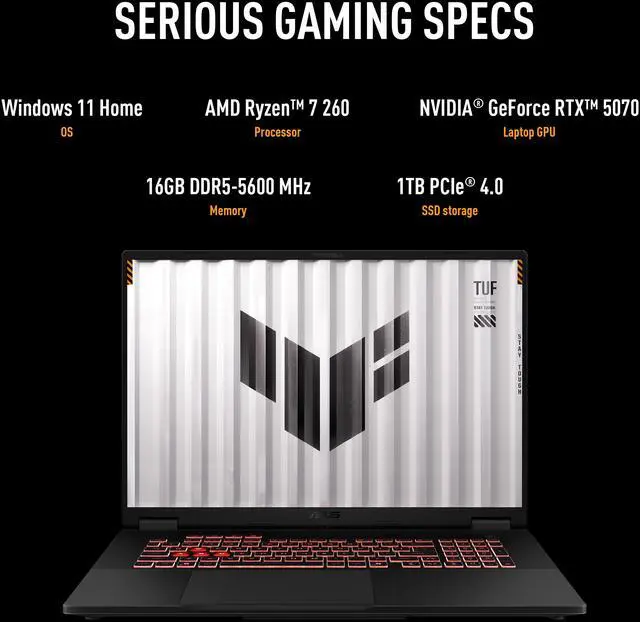
- 5ASUS TUF Gaming A18 (2026)
Price unavailable
RTX 5070 Ti18" IPSUp to 32 GB2.80 kgA durable, big-screen desk laptop for all-day coding: an upgradeable 18-incher with no CPU/GPU throttling and a roomy 5–6 hour light-use battery. It's heavy at 2.8 kg, and the SSD throttles under sustained writes.
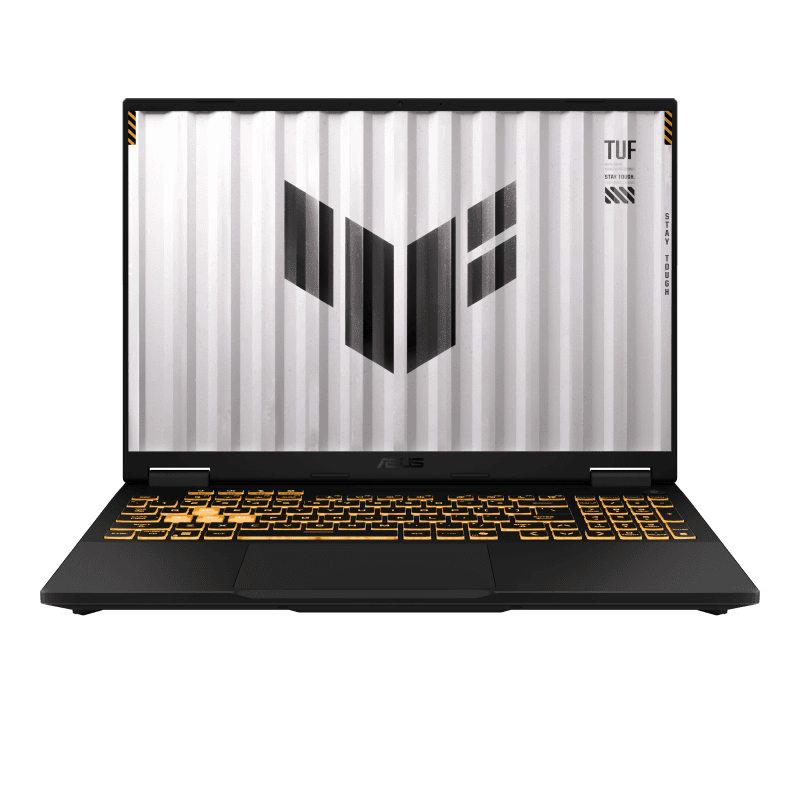
- 6ASUS TUF Gaming F16 (2026)
Price unavailable
RTX 507016" OLED16 GB2.20 kgThe portable, dock-friendly value pick — Thunderbolt 4 for a single-cable desk setup and RAM upgradeable to 64 GB across two SO-DIMMs. Avoid the single-channel 16 GB base config, which measurably hurts performance until you add a second stick.

FAQ
How much RAM do I need for programming?
32 GB is a comfortable baseline for most development, with 64 GB or more for VMs, containers or large builds. Pick a laptop with upgradeable RAM — the XMG Core 16 reaches 128 GB, while the Framework Laptop 16 hits 96 GB and the Legion and TUF models all take 64 GB.
Why does upgradeable RAM matter for a dev laptop?
It lets you start affordable and add memory as your projects grow, and it extends the machine's useful life. Every pick here uses replaceable SO-DIMMs; the Framework Laptop 16 takes this furthest with a fully repairable design, including a swappable GPU module.
What's the single-channel RAM trap, and how do I avoid it?
It's when a laptop ships its memory as one stick instead of a matched pair — for example the ASUS TUF F16's 16 GB base config. A single module runs in single-channel mode and measurably slows performance. Choose a dual-stick configuration, or add a second matching SO-DIMM yourself; all six picks have accessible memory slots.
Which CPU is best for heavy compiles and containers?
Favour core count for parallel builds. The Lenovo Legion Pro 5's Ryzen 9 is 16-core/32-thread, and the Legion Pro 7i and ASUS TUF F16 run 24-core CPUs — all far quicker through parallel work than the 8-core chips in budget machines. The Framework and XMG Core 16 use capable 12-core/24-thread Ryzen AI parts.
Do I need a discrete GPU for programming?
Not for most coding, but it helps for local ML, CUDA work, game development or driving multiple high-res displays. Mind the VRAM: several picks carry 8 GB, while the Legion Pro 7i (16/24 GB) and TUF A18 (12 GB) give more headroom for larger models.