
Best Gaming Laptops Under $1,000 (2026)
The best budget gaming laptops you can buy at or near $1,000 in 2026, from RTX 5050 bargains to a surprise RTX 5070 deal.
A gaming laptop under $1,000 in 2026 is an exercise in setting expectations correctly. You are buying an RTX 5050 or RTX 5060 — with one outlier that sneaks in an RTX 5070 — alongside a 1080p IPS panel and a plastic chassis, and almost always one deliberate corner cut, whether that is the display, the cooling or the RAM configuration. Go in knowing that, and this is a genuinely rewarding segment.
The good news: this generation's budget GPUs handle 1080p high settings comfortably, DLSS does the heavy lifting in demanding titles, and nearly every machine here lets you upgrade RAM and storage yourself. The bad news: budget is exactly where manufacturers economise, so two laptops at the same price can deliver very different experiences depending on a single spec like memory channels or GPU power limit.
This guide is for the first-time buyer and the upgrade-on-a-budget gamer who want 1080p performance without overpaying — and who are willing to pop a panel off to add a stick of RAM. Every pick below comes from our own laptop database, and we will tell you exactly which corner each one cuts.
What to look for
At this price the spec sheet hides more than it reveals. Four things separate a good buy from a frustrating one:
- GPU power limit, not just the model name. A "RTX 5050" or "RTX 5070" badge tells you almost nothing on its own — the wattage (TGP) it is allowed to draw decides real frame rates. The MSI Cyborg 15's RTX 5050 is held to 45 W and can fall behind the previous-gen RTX 4060, while the MSI Katana 15 HX runs its RTX 5070 at a full 115 W. Always check the TGP before you trust the tier.
- The single-channel RAM trap. Several budget machines, the Lenovo LOQ 15 included, ship 16 GB as a single stick. Single-channel memory starves the GPU and measurably lowers frame rates until you add a second matched stick for dual-channel. Favour a model with an empty SO-DIMM slot and budget for the cheap upgrade.
- The panel. Colour coverage swings wildly down here. The LOQ 15 hits a strong 99% sRGB at 144 Hz, but the Cyborg 15 (65% sRGB) and HP Victus 15 (62.5% sRGB) ship washed-out, office-grade screens. Treat 144 Hz as the floor; the Acer Nitro V 16 AI even pushes a 16-inch 180 Hz panel.
- Cooling and build. Plastic is a given; weak cooling and weak hinges are not. The Victus 15 carries documented overheating and hinge-cracking complaints, and none of our picks here pair the GPU with a vapor chamber — so read the review notes on sustained temperatures before you commit.
Which should you buy?
- Best overall — Lenovo LOQ 15. The most balanced machine here: an RTX 5060, a bright 99% sRGB 144 Hz panel, room to grow to 32 GB of RAM and a spare M.2 slot for storage. Add the second memory stick and it becomes the easiest recommendation in the segment.
- Best value — MSI Katana 15 HX. Nothing else in this bracket puts a full RTX 5070 in your hands. Accept the dim display and you get the most raw GPU per dollar in the guide, with RAM upgradeable all the way to 96 GB.
- Cheapest — HP Victus 15. If the budget simply will not stretch, this is the entry fee: a 144 Hz RTX 5050 you can upgrade yourself. Just go in expecting a semi-disposable machine given its hinge and cooling history.
- For battery and serviceability — Acer Nitro V 16 AI, praised for runtime and genuinely upgradeable (two RAM slots, two M.2). And for the lightest bag — MSI Cyborg 15, but only chase it at a real discount, ideally the 100 W "Max" variant.
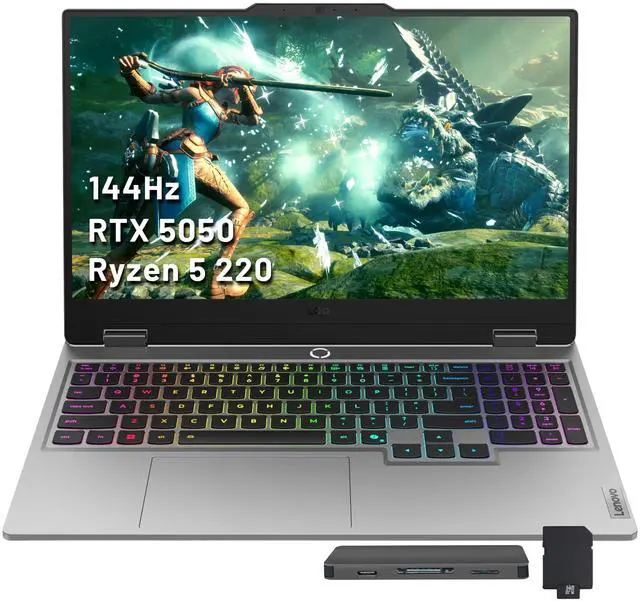
- 1Lenovo LOQ 15 (2026)
from $1,299
RTX 5060 / RTX 507015.6" IPS16 GB2.43–2.45 kgFor the buyer who wants the most dependable 1080p frames per dollar: an RTX 5060 with a 99% sRGB 144 Hz panel that regularly sells under the cap. Add a second RAM stick on day one — it ships single-channel, which throttles gaming until you go dual-channel.
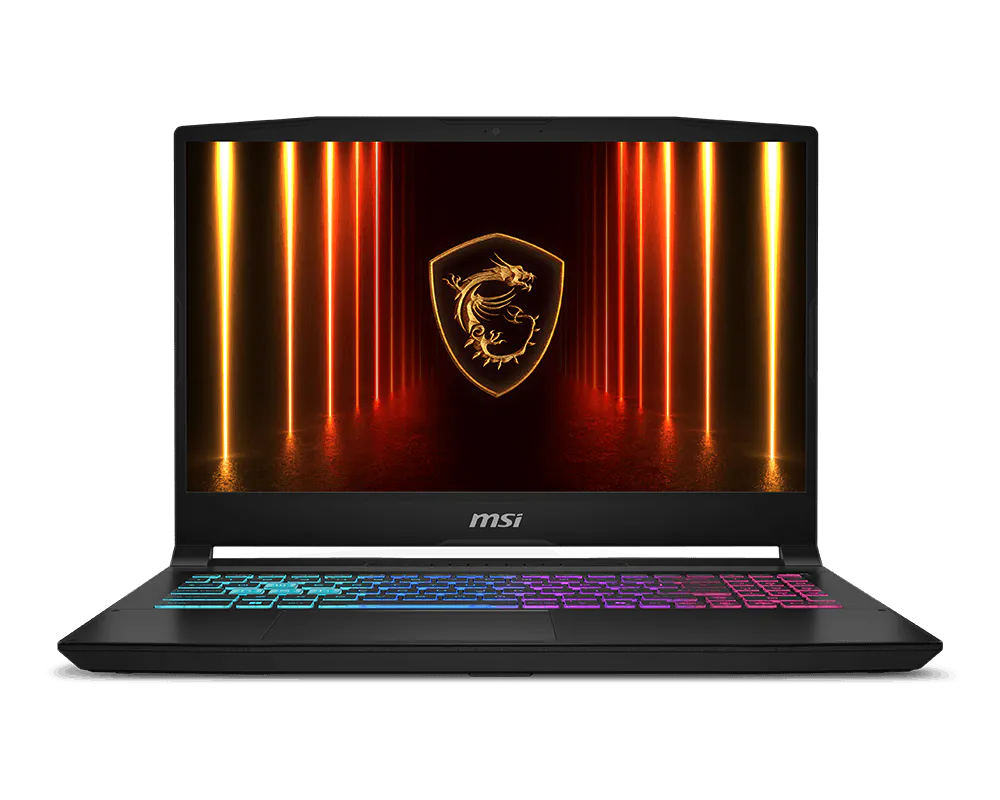
- 2MSI Katana 15 HX (B14W)
from $999
RTX 5070 / RTX 505015.6" IPS16–32 GB DDR5-5600For anyone chasing raw GPU per dollar — it squeezes a full RTX 5070 into this bracket, with RAM upgradeable to 96 GB and an optional QHD 165 Hz panel. The trade-off every reviewer names is a dim display, so skip it for bright rooms.
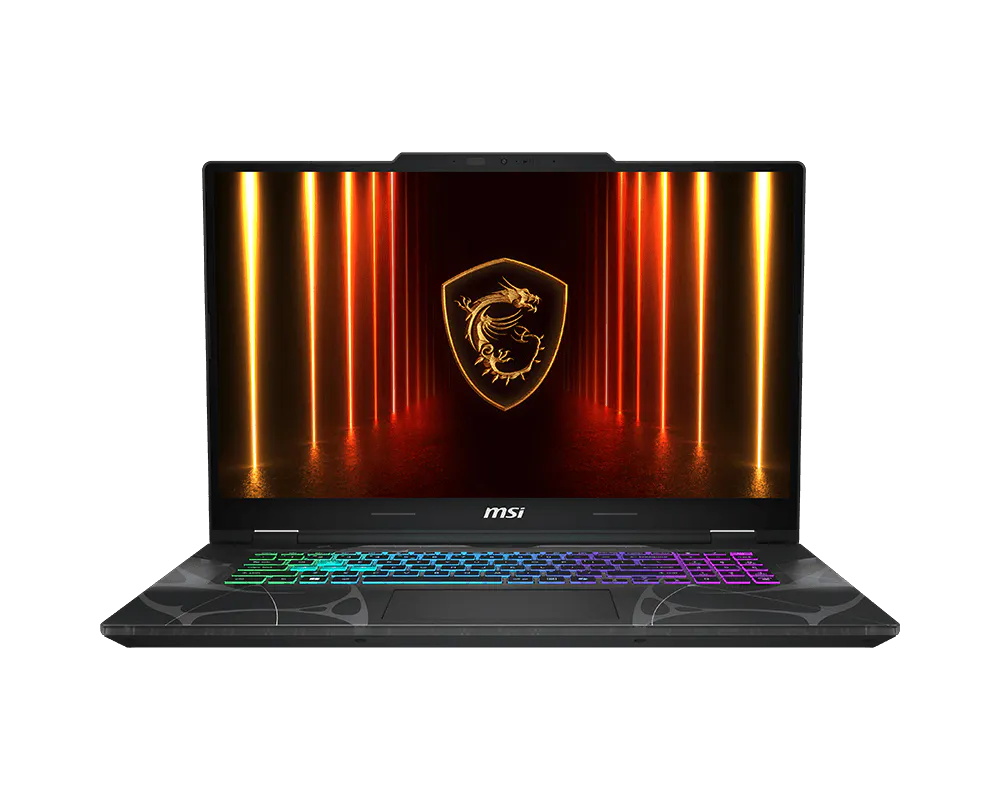
- 3MSI Cyborg 15 (B2RW)
from $999
RTX 5050 / RTX 506015.6" IPS16 GB DDR52.2 kgA light 2.2 kg entry machine with serviceable RAM, for students who carry their laptop everywhere. Worth it only at a real discount: its RTX 5050 is held to 45 W and can trail the older RTX 4060, and the panel covers just 65% sRGB — chase the 100 W 'Max' variant if you can.
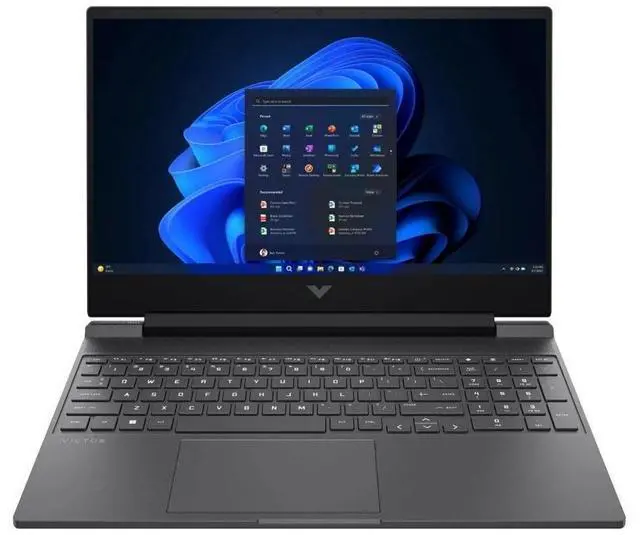
- 4HP Victus 15 (2026)
from $699
RTX 505015.6" IPS8–16 GB~2.3 kgThe cheapest way into RTX 5050 gaming, with user-upgradeable RAM and storage — for tight budgets that prize price over longevity. Best treated as semi-disposable given documented hinge cracking, display flicker and overheating.
- 5Acer Nitro V 16 AI (2026)
from $1,299
RTX 5050 / RTX 507016" IPS16–32 GB2.45–2.5 kgFor the buyer who values battery life and genuine serviceability — two RAM slots and two M.2 — on a roomy 16-inch 180 Hz screen. The AMD Ryzen 5 + RTX 5050 config is the sweet spot; just know the chassis runs hot under load.
FAQ
Can you really get a good gaming laptop under $1,000?
Yes, but with compromises — at this price you are buying an RTX 5050 or RTX 5060 (with one discounted RTX 5070 outlier), a 1080p IPS panel and a plastic chassis, usually with one corner cut on the display, cooling or RAM. The Lenovo LOQ 15 and MSI Katana 15 HX deliver the best frames-per-dollar, especially on sale.
What should I upgrade first on a budget gaming laptop?
RAM, on any model that ships single-channel. The Lenovo LOQ 15's top owner complaint is its single-channel 16 GB, which measurably degrades gaming performance until you add a second matched stick for dual-channel — the highest-impact, lowest-cost upgrade you can make. The Katana 15 HX, Cyborg 15 and Nitro V 16 AI all accept a second stick too.
RTX 5050, 5060 or 5070 — which one makes sense under $1,000?
Look at the power limit, not just the number. The MSI Cyborg 15's RTX 5050 is capped at 45 W and can trail the older RTX 4060, whereas the MSI Katana 15 HX runs a 115 W RTX 5070 — a far bigger leap for similar money. For most buyers the RTX 5060 in the Lenovo LOQ 15 is the balanced middle; the bare RTX 5050 only makes sense at the rock-bottom pricing of the HP Victus 15.
Is the MSI Cyborg 15 worth it?
Only at a real discount. Its standard RTX 5050 is limited to a 45 W power budget that can leave it trailing the older RTX 4060, and the 65% sRGB panel is weak — look at the 100 W 'Max' variant if you want the GPU to stretch its legs.
Which of these budget laptops will last longest?
The Lenovo LOQ 15 and Acer Nitro V 16 AI are the safer long-term bets: both are genuinely serviceable and carry no structural complaints, and the Nitro V is praised for battery life. The HP Victus 15 is the opposite — owners report hinge cracking after about a year and display flicker within two — so buy it only if you treat it as semi-disposable.