
Best Gaming Laptops Under $1,500 (2026)
The best value gaming laptops under $1,500 in 2026 — the sweet spot where the RTX 5070 becomes attainable and you no longer have to choose between screen and GPU.
Under $1,500 is, for our money, the most rewarding bracket in gaming laptops. It is the point where the RTX 5070 stops being a stretch and where you no longer have to trade away the screen to afford the GPU — the compromise that defines everything below $1,000. If you want to play modern titles at 1440p, or high-refresh 1080p, without remortgaging, this is the segment to shop.
It is also a segment full of asterisks. In 2026 the same GPU name can mean very different machines — an RTX 5070 fed 115 W is a different beast from one held to 85 W — and the cheapest configurations quietly cut corners on RAM, panels and cooling that you only discover once the box is open. This guide exists to surface those traps before you spend.
The picks below span the whole bracket, from the Lenovo LOQ 15 that regularly sells well under $1,000 to RTX 5070 all-rounders like the ASUS TUF F16 and A16. Every one is a laptop we would actually put in a friend's hands at this price — with the caveats spelled out.
What to look for
GPU wattage, not just the tier. The name on the box is only half the story; the TGP — how many watts the laptop actually feeds the GPU — decides real performance. The MSI Katana 15 HX and Crosshair 16 HX AI run their RTX 5070 at the full ~115 W, while the Acer Nitro V's RTX 5070 is held to 85 W and the Alienware 16 Aurora's RTX 5060 to just 80 W. A full-power lower tier can match a starved higher one.
The single-channel RAM trap. To hit aggressive prices, the Lenovo LOQ 15 and the base ASUS TUF F16/A16 ship a single 16 GB stick, running the memory in single-channel and measurably lowering frame rates. All three have a free SO-DIMM slot, so plan on adding a matching stick — it is the cheapest performance upgrade you will ever make.
Panel. This is the first bracket where you get a real choice. Both ASUS TUF models offer an OLED (165 Hz) or 300 Hz IPS panel at 100% DCI-P3 — genuinely rare for the money — while the Crosshair 16 runs a 240 Hz QHD+ screen. At the other end, the Katana's chief compromise is a dim display and the Alienware tops out at 120 Hz. Decide whether you want colour-and-contrast (OLED) or raw refresh.
Cooling and VRAM. Thin budget chassis throttle and run hot — the Acer Nitro V reaches roughly 59 °C at the base under load, and Crosshair owners report thermal paste drying out within two years. And note that every RTX 5070 here ships with 8 GB of VRAM: workable at 1440p today, but tight in the most demanding titles.
Which should you buy?
Best overall: the ASUS TUF Gaming F16. A full 115 W RTX 5070, an OLED-or-300 Hz panel, Thunderbolt 4 and two SO-DIMM slots make it the most complete machine here — just buy a dual-channel config and check for the 2026 sleep-bug fix. Prefer AMD? The TUF A16 is the same chassis with a Zen 4 Ryzen 9.
Best value: the MSI Katana 15 HX. An RTX 5070 from around $999 is the frames-per-dollar leader of this list. You trade a dim display and a last-gen Raptor Lake CPU for the price, but the GPU runs at full wattage and the RAM expands to 96 GB.
Cheapest: the Lenovo LOQ 15. Regularly discounted well below $1,000, it brings a 144 Hz RTX 5060 and genuine upgradeability. Add a second RAM stick on day one, budget for a Wi-Fi swap if the Realtek module misbehaves, and it is the easiest entry into the bracket.
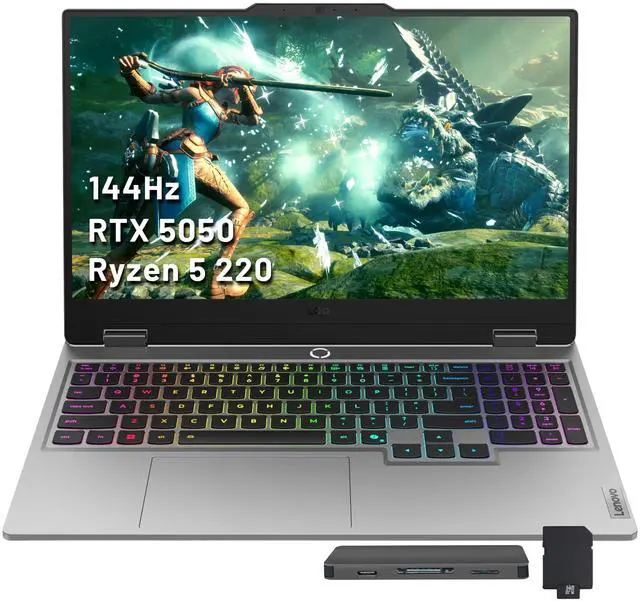
- 1Lenovo LOQ 15 (2026)
from $1,299
RTX 5060 / RTX 507015.6" IPS16 GB2.43–2.45 kgThe cheapest way in: an RTX 5060 with a 144 Hz panel that regularly sells well under $1,000. The single-channel 16 GB default is the one thing to fix on arrival, and the Realtek Wi-Fi can be flaky.
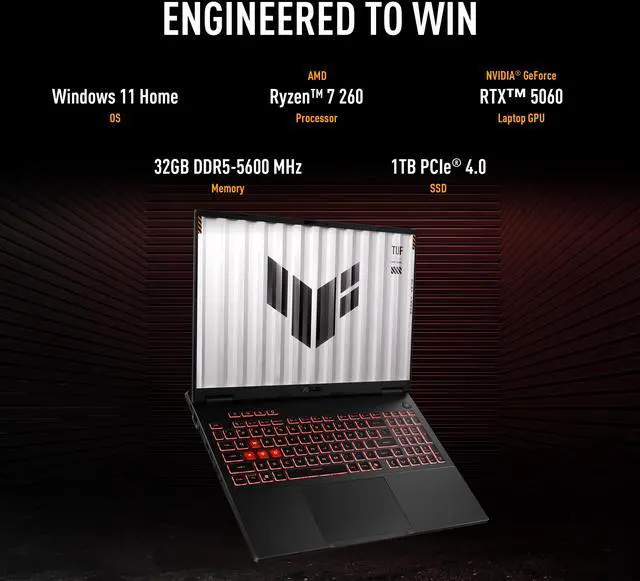
- 2ASUS TUF Gaming A16 (2026)
Price unavailable
RTX 507016" OLED16 GB2.20 kgThe AMD all-rounder — a Zen 4 Ryzen 9 and full RTX 5070 with an optional OLED panel and RAM expandable to 64 GB across two SO-DIMMs. Buy a dual-channel config and note owner reports of hinge and touchpad wear over time.
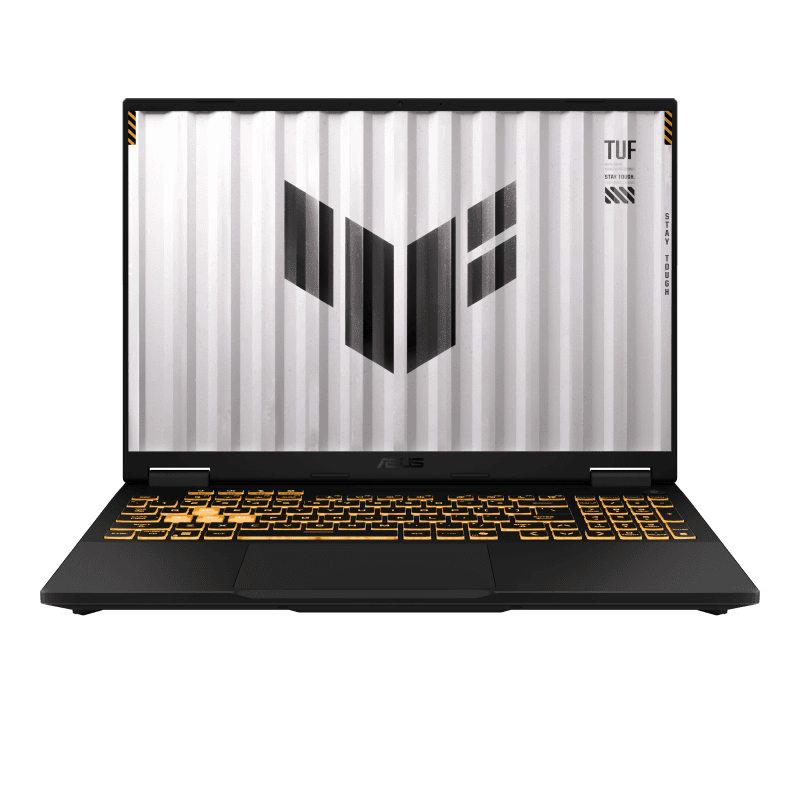
- 3ASUS TUF Gaming F16 (2026)
Price unavailable
RTX 507016" OLED16 GB2.20 kgThe Intel TUF, offering an OLED-or-300 Hz IPS choice, Thunderbolt 4 and genuine upgradeability — just avoid the single-channel 16 GB base config and check for the 2026 sleep-bug fix.
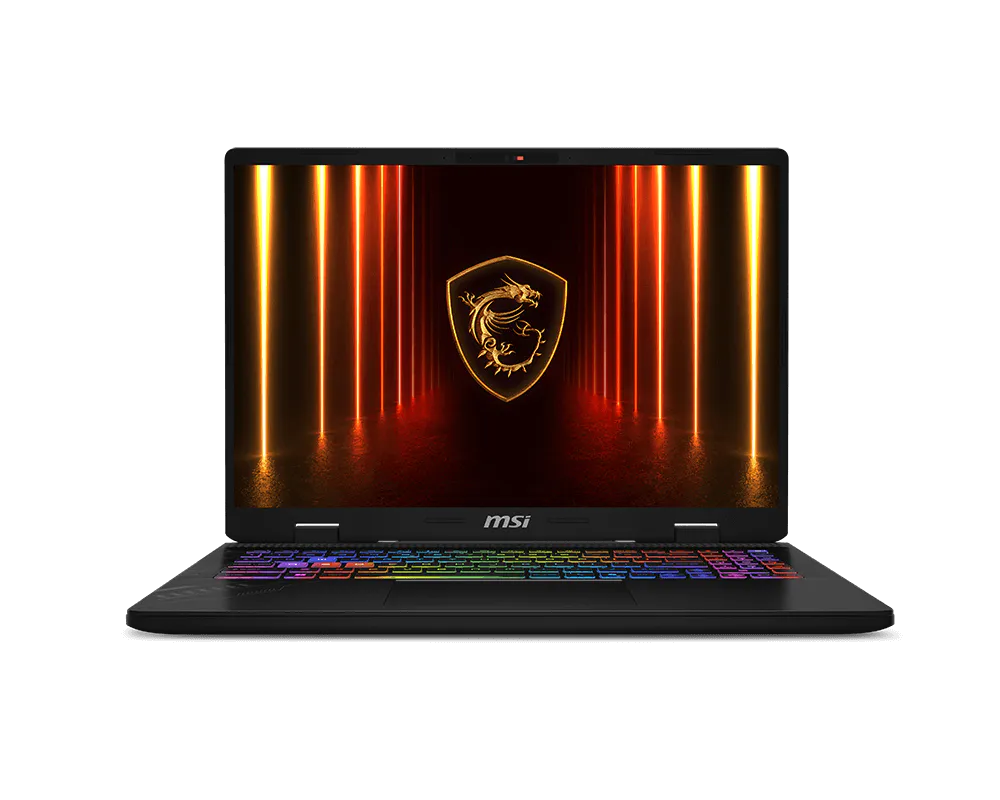
- 4MSI Crosshair 16 HX AI (D2XW)
from $1,499
RTX 5070 / RTX 506016" IPS32 GB DDR5-6400~2.8 kgStretches the budget to a full-wattage RTX 5070 with RAM upgradeable to 96 GB and a 240 Hz screen; note the USB-C external-monitor quirk (use HDMI) and the 8 GB VRAM.
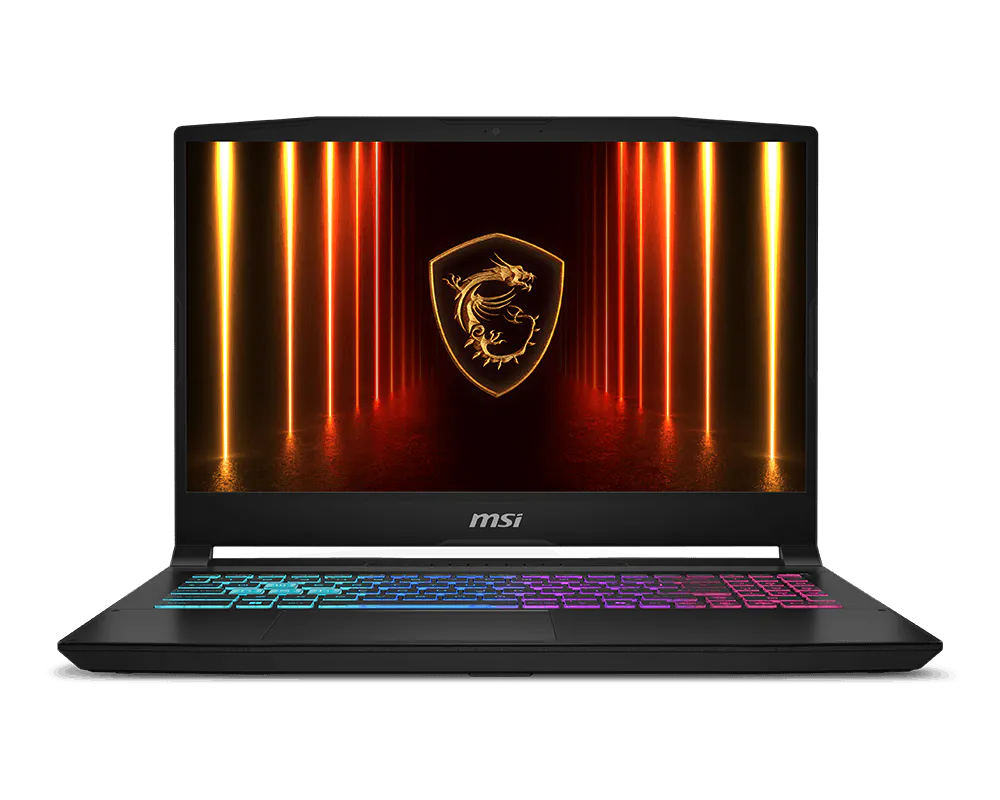
- 5MSI Katana 15 HX (B14W)
from $999
RTX 5070 / RTX 505015.6" IPS16–32 GB DDR5-5600The frames-per-dollar pick: a full RTX 5070 from around $999 with upgradeable RAM. The consistent compromise reviewers flag is a dim display, on a last-gen Raptor Lake CPU.
- 6Acer Nitro V 16 AI (2026)
from $1,299
RTX 5050 / RTX 507016" IPS16–32 GB2.45–2.5 kgA genuinely serviceable 16-incher praised for battery life, with an AMD RTX 5050 or Intel RTX 5070 on a 180 Hz panel — but the 5070 is held to 85 W and the chassis runs warm under load.
- 7Alienware 16 Aurora (2026)
from $1,149
RTX 506016" IPS32 GB2.57 kgBrings Alienware's build and a large 96 Wh battery into the bracket, though its RTX 5060 is hard-capped at 80 W — buy it only at the low end of its range.


FAQ
What GPU can you get for under $1,500?
This bracket is the sweet spot for the RTX 5070 — the MSI Crosshair 16, MSI Katana 15 HX and ASUS TUF F16/A16 all offer one — alongside well-specced RTX 5060 machines like the Lenovo LOQ 15.
Is a cheaper RTX 5070 laptop always faster than a pricier RTX 5060?
Not necessarily — the GPU's power limit (TGP) matters as much as the tier. The MSI Katana 15 HX and Crosshair 16 run their RTX 5070 at the full ~115 W, but the Acer Nitro V's RTX 5070 is held to 85 W and the Alienware 16 Aurora's RTX 5060 to just 80 W, so both trail their tier. Read the wattage, not only the name on the box.
Can I get an OLED gaming laptop at this price?
Yes. Both ASUS TUF models (F16 and A16) offer an OLED panel option at 100% DCI-P3 in this range, which is unusual for the money; if you prefer higher refresh, their 300 Hz IPS option and the 240 Hz Crosshair 16 are strong alternatives, while the MSI Katana's chief compromise is a dim display.
Why does single-channel RAM keep coming up?
To hit their price points, the Lenovo LOQ 15 and the base ASUS TUF F16/A16 ship a single 16 GB stick, which runs the memory in single-channel and measurably lowers gaming frame rates. All three have a free SO-DIMM slot, so adding a matching stick to run dual-channel is the cheapest performance upgrade you will make.
Which under-$1,500 laptop is most upgradeable?
The MSI Crosshair 16 HX AI and MSI Katana 15 HX both take RAM up to 96 GB, and the ASUS TUF F16/A16, Lenovo LOQ 15 and Acer Nitro V offer two SO-DIMM slots plus dual M.2 — far more serviceable than thin-and-light rivals.