
Valve Steam Deck (LCD) vs Valve Steam Deck OLED
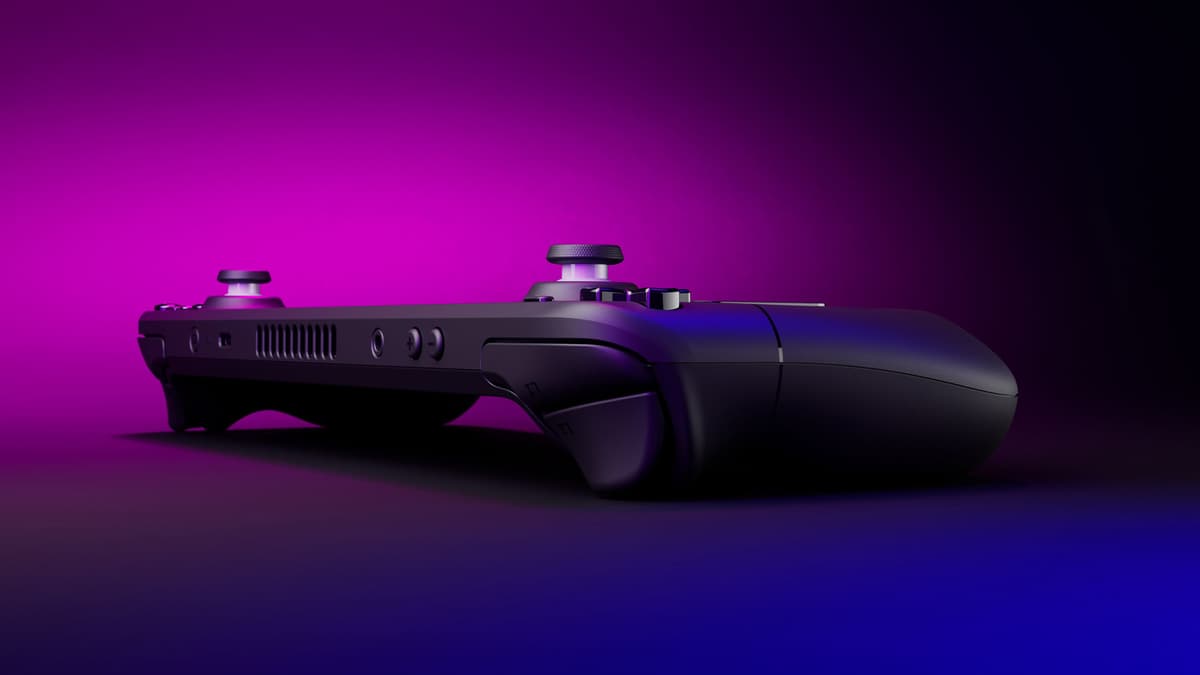
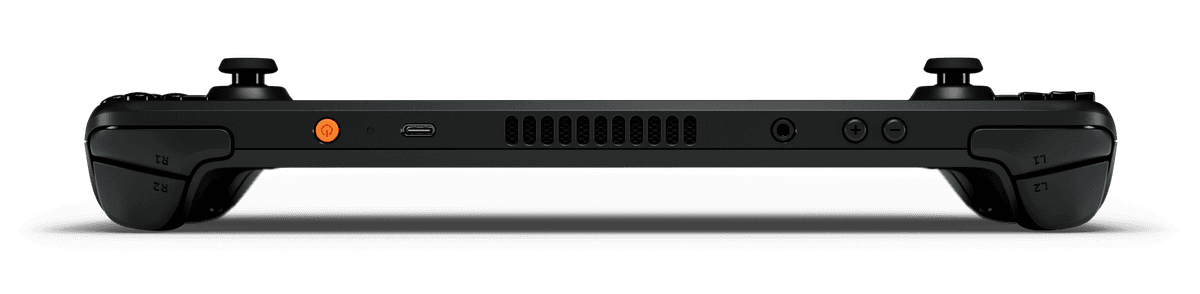
Same Zen 2 / RDNA 2 APU, same SteamOS polish — the OLED model just does everything the LCD does better: a 90 Hz HDR OLED panel versus 60 Hz LCD, a bigger 50 Wh battery versus 40 Wh, Wi-Fi 6E, and ~30 g less weight. Note that Valve discontinued new LCD sales in late 2025 — it now exists only as ~$319 Certified Refurbished stock, so in 2026 the OLED is effectively the only Steam Deck you can buy new.
Spec comparison
| Spec | Valve Steam Deck (LCD) | Valve Steam Deck OLED |
|---|---|---|
| Starting price | — | $789 |
| OS | SteamOS | SteamOS |
| Screen size | 7" | 7.4" |
| Panel | LCD | OLED |
| Refresh rate | 60 Hz | 90 Hz |
| Resolution | 1280 × 800 (16:10) | 1280 × 800 (16:10) |
| Weight | 669 g | 640 g |
| Battery | 40 Wh | 50 Wh |
| APU | Steam Deck APU (LCD) | Steam Deck OLED APU |
| Max TDP | 15 W | 15 W |
| Hall-effect sticks | No | No |
| Trackpads | 2× 32.5 mm square haptic trackpads | 2× 32.5 mm haptic trackpads (improved fidelity) |
| Gyro | Yes | Yes |
Handheld prices are unusually volatile in 2026 due to a global memory-chip shortage — we show the best figure at our last check, but always confirm the live price at the retailer.
Valve Steam Deck (LCD)
Pros
- Cheapest route into the polished SteamOS ecosystem
- Twin haptic trackpads — unmatched for mouse-driven games
- User-replaceable M.2 2230 SSD; strong iFixit support
Cons
- Aging Zen 2 / RDNA 2 APU capped at 15 W
- 60 Hz LCD only ~400 nits; no HDR
- Potentiometer sticks can drift; only 40 Wh battery
Valve Steam Deck OLED
Pros
- Excellent 90 Hz HDR OLED (1000 nits HDR) with 110% P3
- Bigger 50 Wh battery and Wi-Fi 6E vs LCD
- Best-in-class SteamOS suspend/resume; twin haptic trackpads
Cons
- Same Zen 2 / RDNA 2 APU — no performance gain over LCD
- No VRR; 800p ceiling limits sharpness
- Potentiometer (non-Hall) sticks
Who should buy which
Consider the LCD Steam Deck only as refurbished — it's the cheapest way into SteamOS if you can find Valve's rotating Certified Refurbished stock and don't mind the 60 Hz LCD.
Buy the Steam Deck OLED — it's the current new Steam Deck, with an HDR OLED panel, more battery and Wi-Fi 6E.