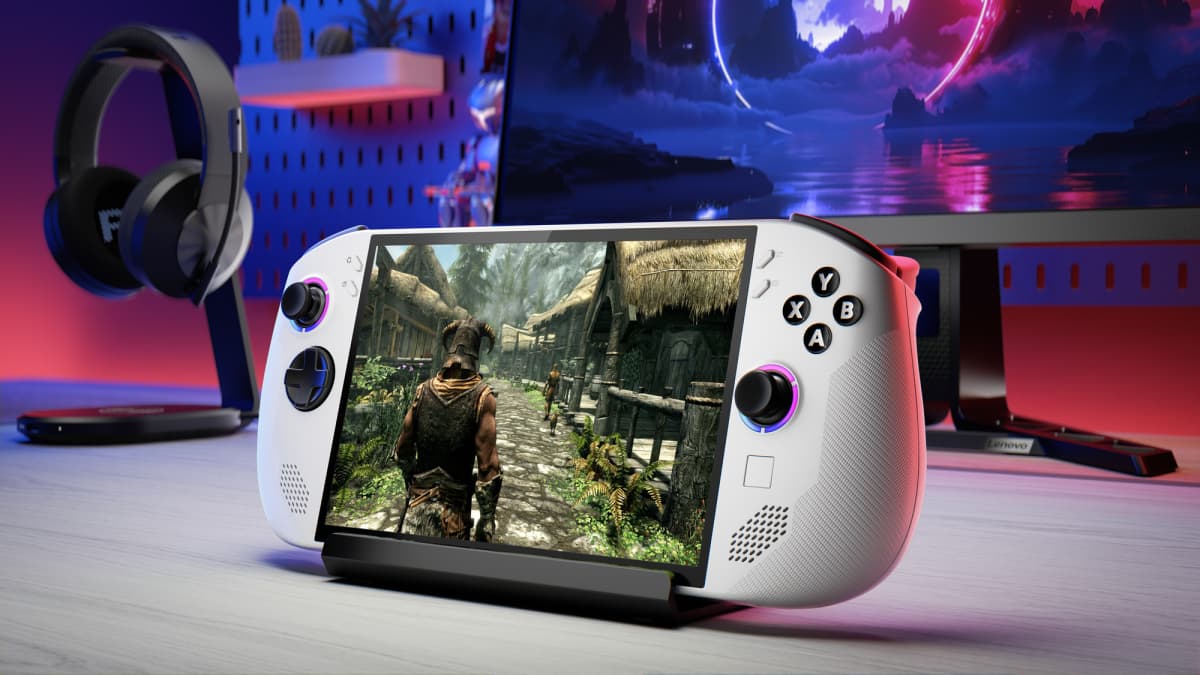
SteamOS vs Windows
The core handheld OS decision: SteamOS trades some game and launcher compatibility for battery life and a cleaner UI; Windows trades those back for universal compatibility.
Windows handhelds run full Windows 11, so every storefront (Epic, Battle.net, Xbox/Game Pass, EA) and every anti-cheat system works exactly as it would on a desktop PC. The cost is a desktop OS never designed for a small touchscreen and a gamepad, plus background processes that eat into battery life and can cause stutter unless a vendor overlay (like Asus Armoury Crate SE or the Windows-native Xbox full-screen experience) smooths it over.
SteamOS flips that trade: it boots into a purpose-built, controller-first interface with better power management and faster suspend/resume, but its Linux foundation via Proton cannot run every Windows game, and several major anti-cheat-protected online games remain blocked or unreliable.
Why it matters when buying
If your library leans heavily on Game Pass, Epic exclusives, or anti-cheat multiplayer titles, a Windows handheld is the safer buy. If you mostly play Steam games and single-player titles, SteamOS (or a Windows handheld you flash to SteamOS, where supported) usually delivers better battery life and a smoother day-to-day experience.
Handhelds with SteamOS vs Windows
See all Windows →AYN Loki
AOKZOE A2
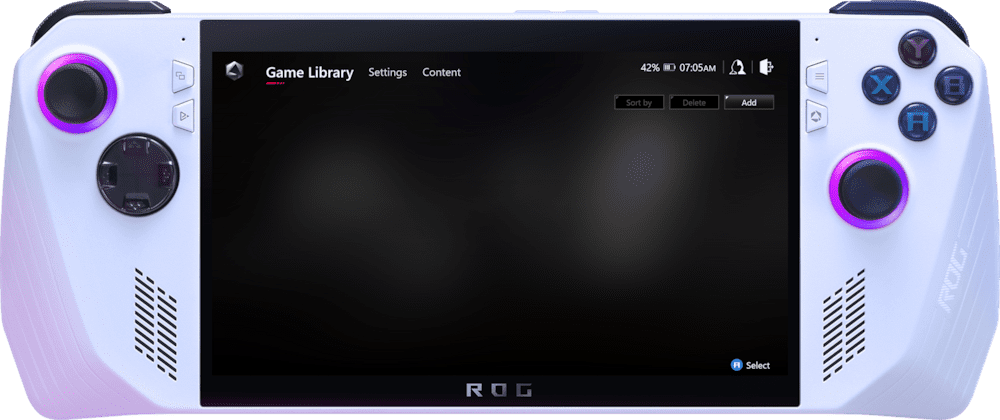
ASUS ROG Ally (2023)
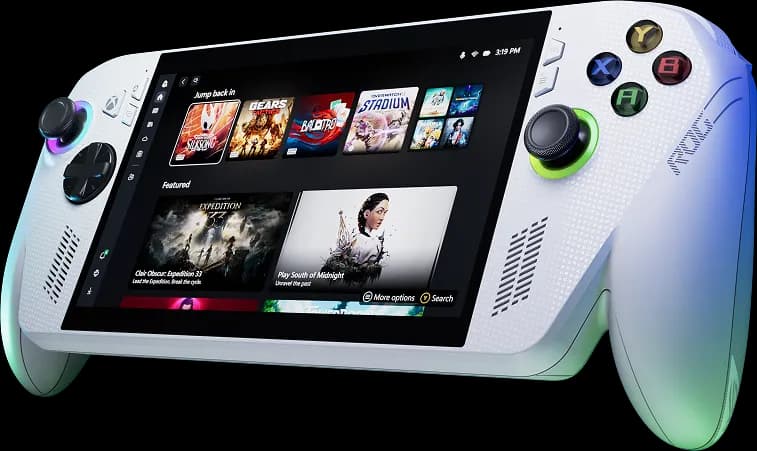
ASUS ROG Xbox Ally
AYANEO 3
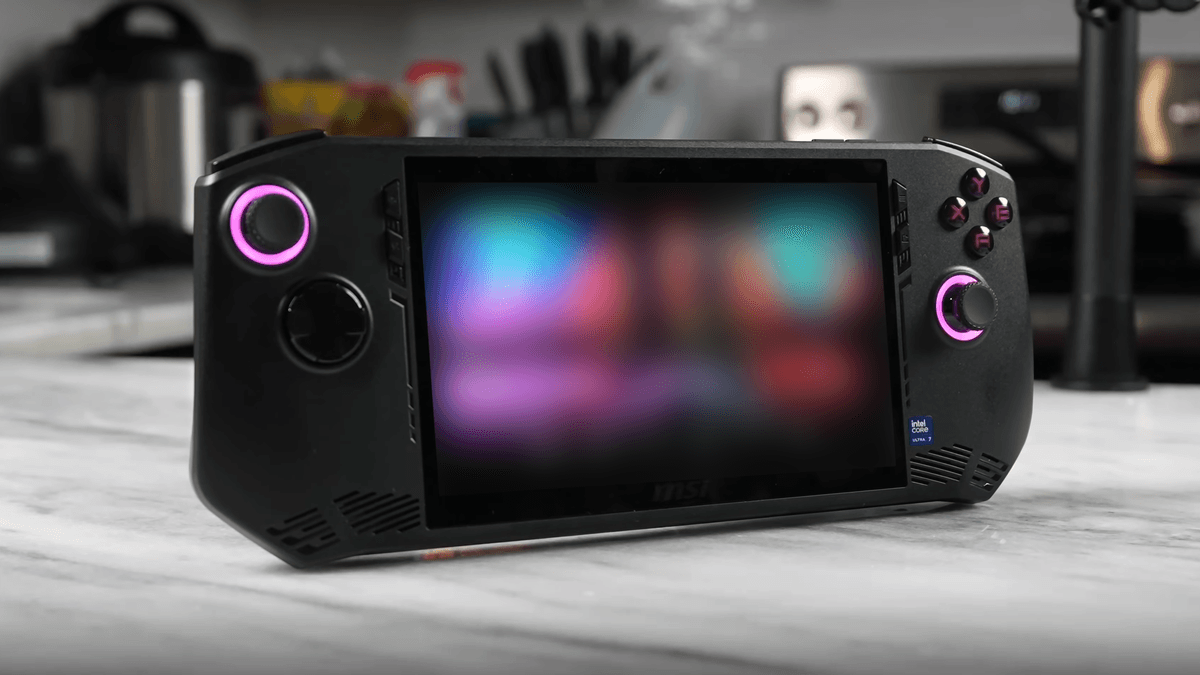
MSI Claw A1M