
Lenovo Legion Go (Gen 1) vs Lenovo Legion Go 2
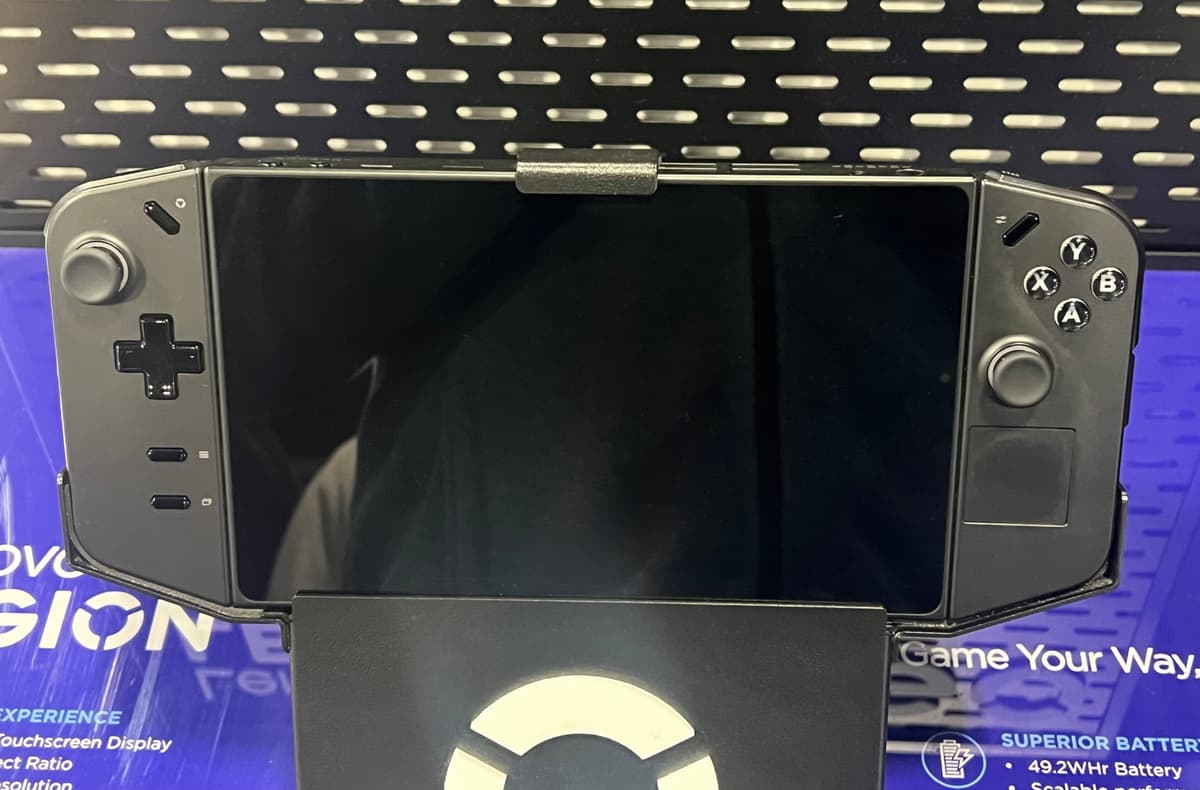
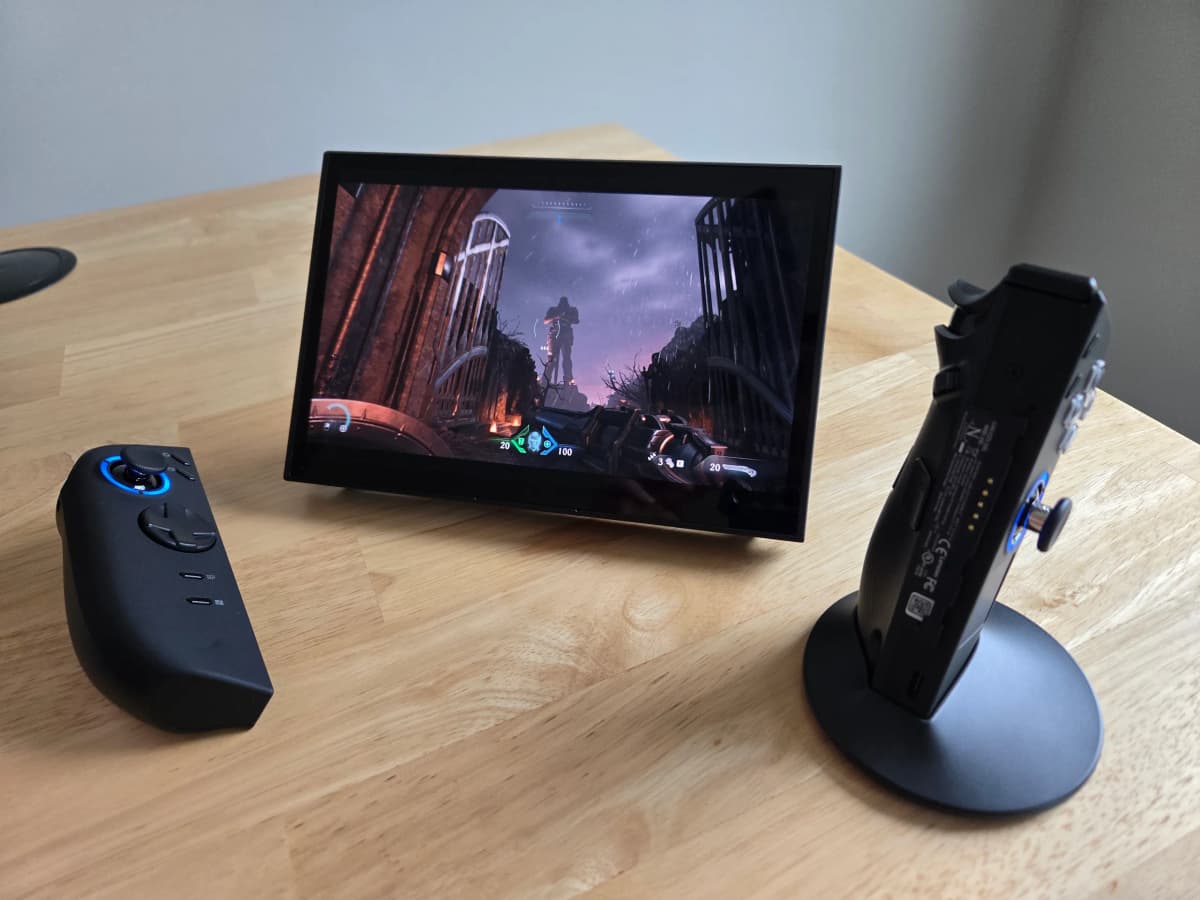
The Legion Go 2 is a genuine flagship upgrade over the original Legion Go: an 8.8-inch OLED 144 Hz VRR panel replaces the IPS screen, the battery grows from 49.2 Wh to 74 Wh, and Zen 5 Ryzen Z2/Z2 Extreme silicon replaces the older Z1 Extreme — but it starts at $1,099.99, versus the original's clearance pricing, and is 77 g heavier. The original Legion Go survives mainly as a discounted buy for shoppers who can't stretch to the Go 2's flagship price.
Spec comparison
| Spec | Lenovo Legion Go (Gen 1) | Lenovo Legion Go 2 |
|---|---|---|
| Starting price | $1,000 | $1,100 |
| OS | Windows 11 | Windows 11 |
| Screen size | 8.8" | 8.8" |
| Panel | IPS | OLED |
| Refresh rate | 144 Hz | 144 Hz |
| Resolution | 2560 × 1600 | 1920 × 1200 |
| Weight | 845 g | 922 g |
| Battery | 49.2 Wh | 74 Wh |
| APU | Ryzen Z1 Extreme | Ryzen Z2 |
| Max TDP | 30 W | 35 W |
| Hall-effect sticks | — | Yes |
| Trackpads | 1 (touchpad on right controller) | 1 (24 × 24 mm on right detachable controller) |
| Gyro | Yes | Yes |
Handheld prices are unusually volatile in 2026 due to a global memory-chip shortage — we show the best figure at our last check, but always confirm the live price at the retailer.
Lenovo Legion Go (Gen 1)
Pros
- Large, sharp 8.8" 2560 × 1600 144 Hz display
- Detachable controllers, kickstand and FPS mouse mode
- Dual USB4 ports for docking and accessories
Cons
- Very heavy at 845 g
- Poor launch firmware and Windows sleep/drain issues
- Short 49.2 Wh battery for the high-TDP APU
Lenovo Legion Go 2
Pros
- Excellent 8.8" OLED 144 Hz VRR display (97% DCI-P3)
- Large 74 Wh battery and Zen 5 Z2 / Z2 Extreme performance
- Detachable controllers, kickstand and dual USB4
Cons
- Very expensive, and pricier since 2026’s memory hikes (~$1,999 for 1 TB, up to $2,849 for 2 TB)
- Very heavy at 922 g
- Windows 11 sleep drain and early build-quality reports
Who should buy which
Buy the original Legion Go only as a clearance bargain if the price gap outweighs the OLED screen and bigger battery.
Buy the Legion Go 2 if you want the OLED VRR upgrade, a much bigger 74 Wh battery and Zen 5 performance, and can absorb the flagship price and extra weight.